Note: The Language instance serves as a central component for managing exam-related languages. It is utilized in the Language Instance module, where you map the languages to the microsite and the form language settings.
The Language Instance Module allows you to configure languages for a specific exam. It provides functionality to map languages to the microsite and forms.
Follow the steps below to utilize this module:
- Select the Exam:
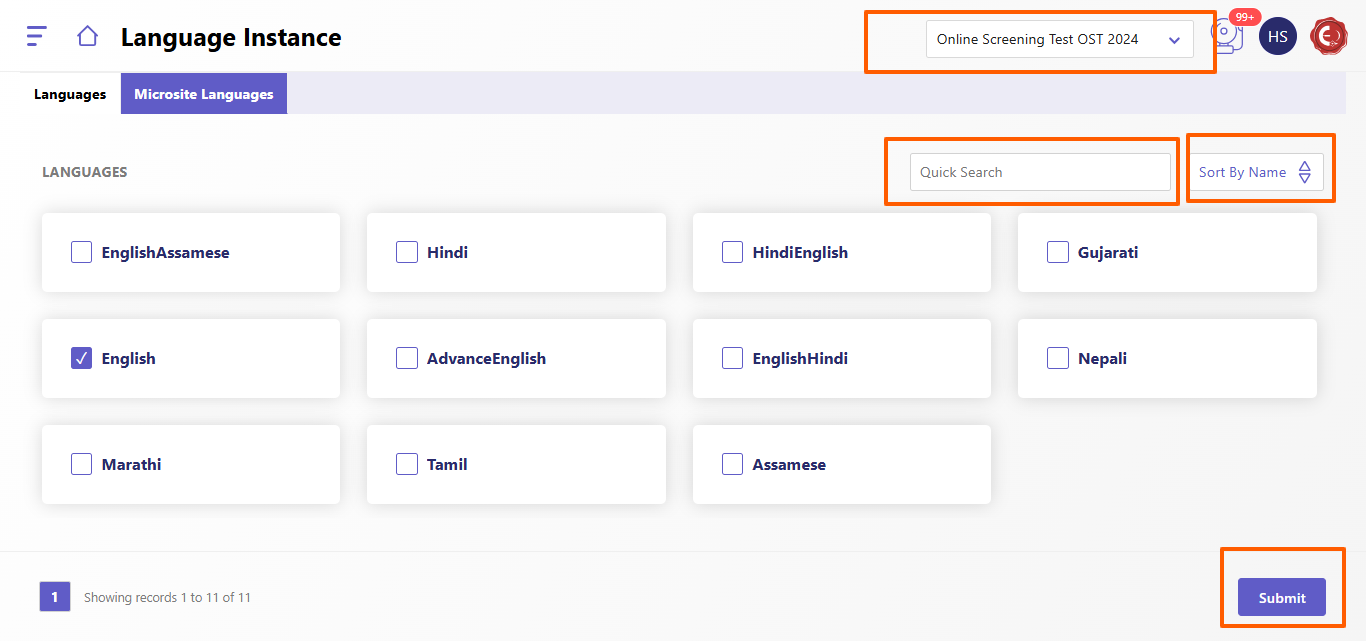
- Navigate to the top-right dropdown menu to select the desired exam for which you want to configure the languages.
- View Available Languages:
- The system displays a list of languages (e.g., English, Hindi, Tamil, etc.) based on the entries in the Language Master.
- Select Languages:
- Click on the checkbox beside each language you wish to enable for the selected exam.
- For example: Select English if you want it as an option for the microsite or forms.
- Quick Search and Sorting:
- Use the Quick Search bar to find a specific language quickly.
- Use the Sort By Name feature to arrange the language list alphabetically for easy navigation.
- Microsite Language Tab:
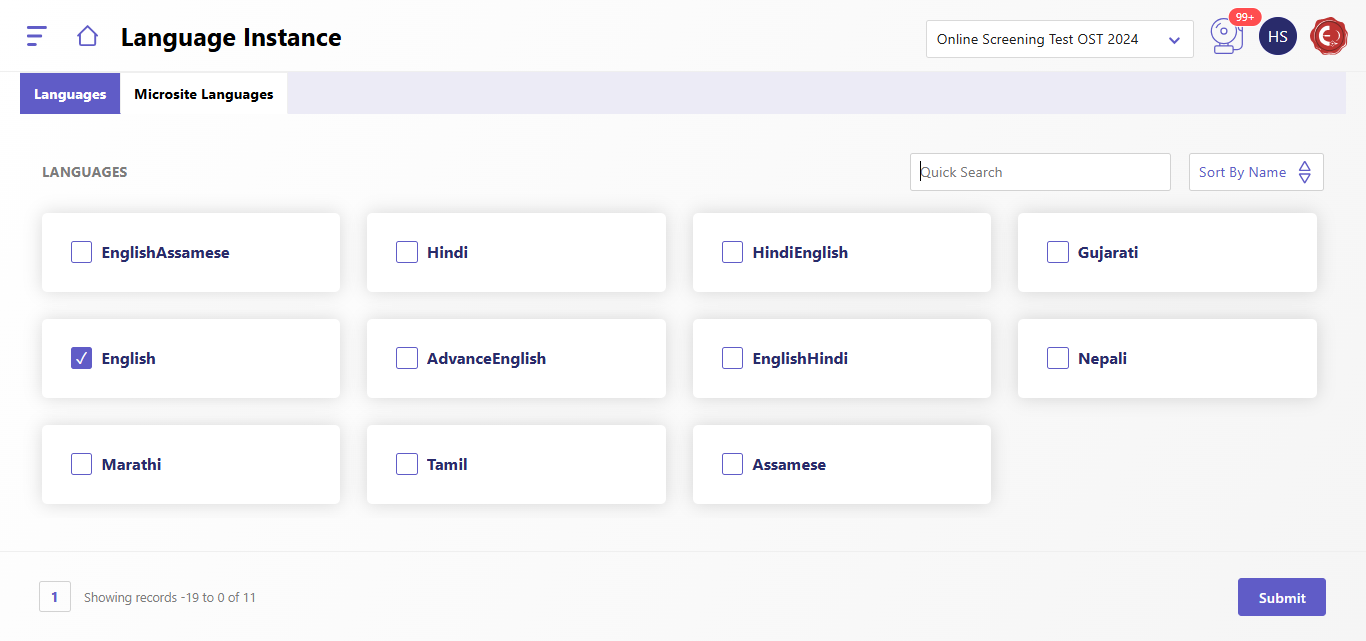
- Switch to the Microsite Languages tab if you need to configure languages specifically for the microsite.
- Submit Selection:
- Once you have selected all the required languages, click the Submit button to save your configuration.
Created with the Personal Edition of HelpNDoc: Make Documentation Review a Breeze with HelpNDoc's Advanced Project Analyzer