Note: The Language Master serves as a central component for managing exam-related languages. It is utilized in the Language Instance module, where you map the languages to the microsite and the form language settings.
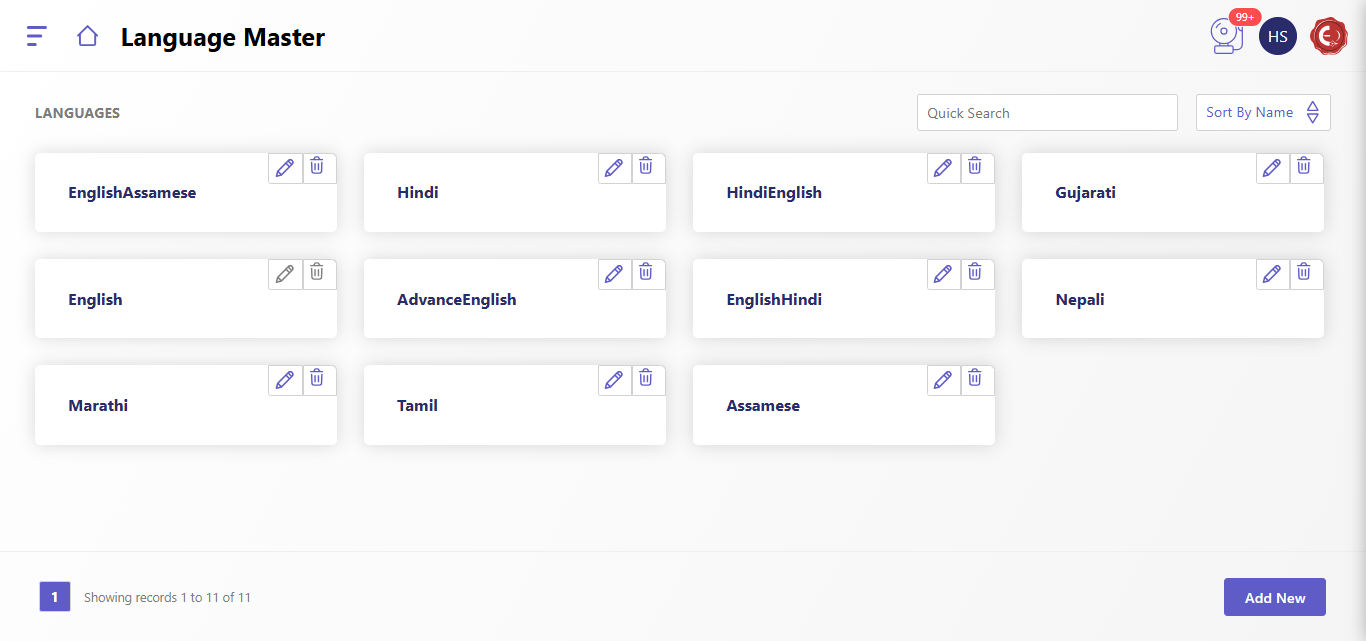
The "Language Master" screen allows administrators to manage and organize the available languages in the system. Each language entry is displayed in individual cards with options to edit or delete.
Features of Language Master:
- Languages List:
- Displays all the languages currently available in the system.
- Each card represents a language, with an option to modify (pencil icon) or remove (trash icon) the entry.
- Quick Search:
- Provides a search bar to quickly find specific languages.
- Sort by Name:
- Allows sorting the language list alphabetically for better navigation.
- Add New Language:
- Clicking the "Add New" button at the bottom-right corner opens a form to add a new language to the system.
How to Add a New Language:
- Click the "Add New" button.
- Enter the name of the new language in the provided field.
- Confirm by saving to add the language to the master list.
This module ensures seamless management of languages to cater to various user requirements across different interfaces.
Created with the Personal Edition of HelpNDoc: Experience the power of a responsive website for your documentation