The Objections Master Module allows candidates to raise objections for specific issues they encounter during or after an exam.
Below is a comprehensive list of objection types that candidates can select while raising objections:
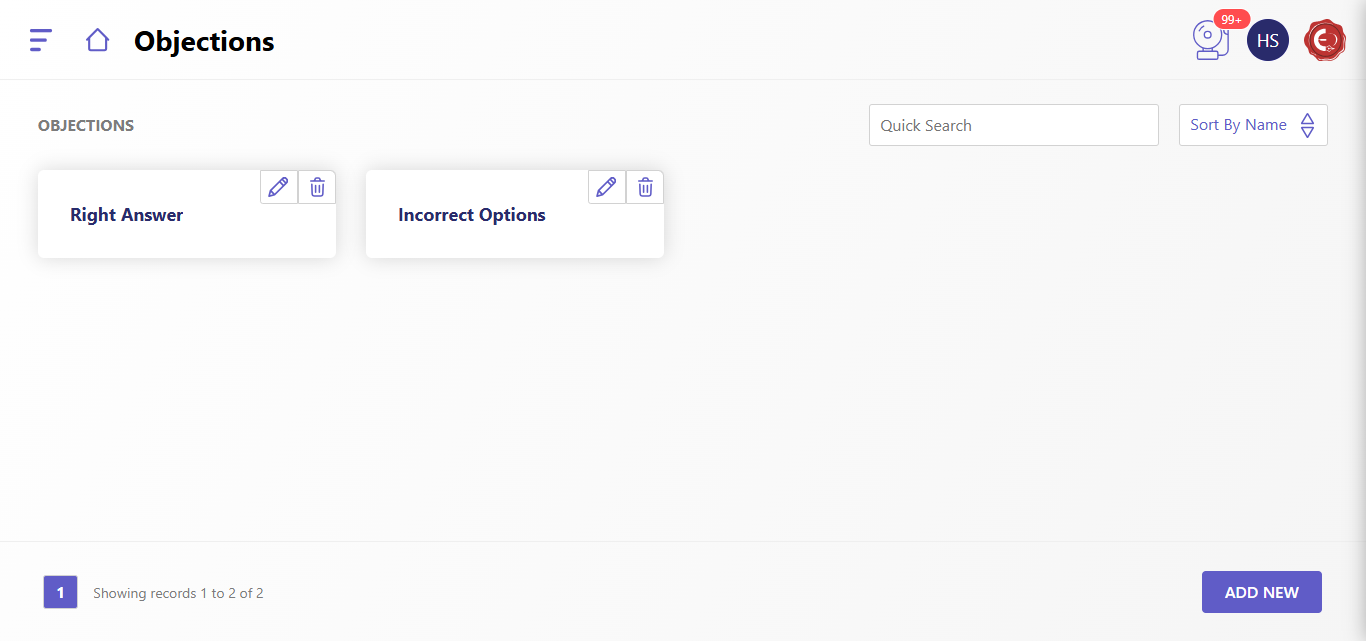
Question-related Objections
- Incorrect Question:
- The question contains errors, such as factual inaccuracies, unclear wording, or irrelevant context.
- Ambiguous Question:
- The question is vague or has multiple possible interpretations.
- Out-of-Syllabus Question:
- The question does not belong to the prescribed syllabus or topics.
- Duplicate Question:
- A similar or identical question appears more than once in the exam.
Answer Key-related Objections
- Incorrect Answer in the Key:
- The answer provided in the official answer key is wrong or misleading.
- Multiple Correct Answers:
- More than one answer is valid for the given question.
- Discrepancy in Marks Allocation:
- Errors in marking or scoring based on the provided answer key.
Exam Process-related Objections
- Technical Issues:
- Issues such as system crashes, lag, or disruptions during the online exam.
- Timing Errors:
- Incorrect timing allocation for the exam or abrupt exam termination.
- Improper Invigilation:
- Instances of unfair practices or inadequate monitoring during the exam.
- Incorrect Instructions:
- Confusing or incorrect instructions provided during the exam.
Result-related Objections
- Incorrect Score:
- The score displayed is not accurate based on attempted answers.
- Ranking Discrepancy:
- Errors in ranking or percentile calculation.
- Incorrect Re-evaluation:
- Errors after the candidate requested re-evaluation or re-checking.
Miscellaneous Objections
- Language Issues:
- Errors or discrepancies in the question or answer translation for multi-language exams.
- Violation of Exam Guidelines:
- Any activity that violates the rules or guidelines provided for the examination.
- Unfair Questions:
- Questions that are unfair, biased, or discriminatory in nature.
Steps to Raise an Objection
- Log into the Portal: Access the Objection module through the candidate dashboard.
- Select Objection Type: Choose the most relevant type from the above-listed categories.
- Provide Details: Enter question/exam details, description of the issue, and any supporting evidence (if applicable).
- Submit Objection: Complete the process by submitting the objection for review.
- By categorizing objection types, candidates can raise concerns effectively, and administrators can address them systematically for a fair examination process.
Created with the Personal Edition of HelpNDoc: Make Your PDFs More Secure with Encryption and Password Protection